
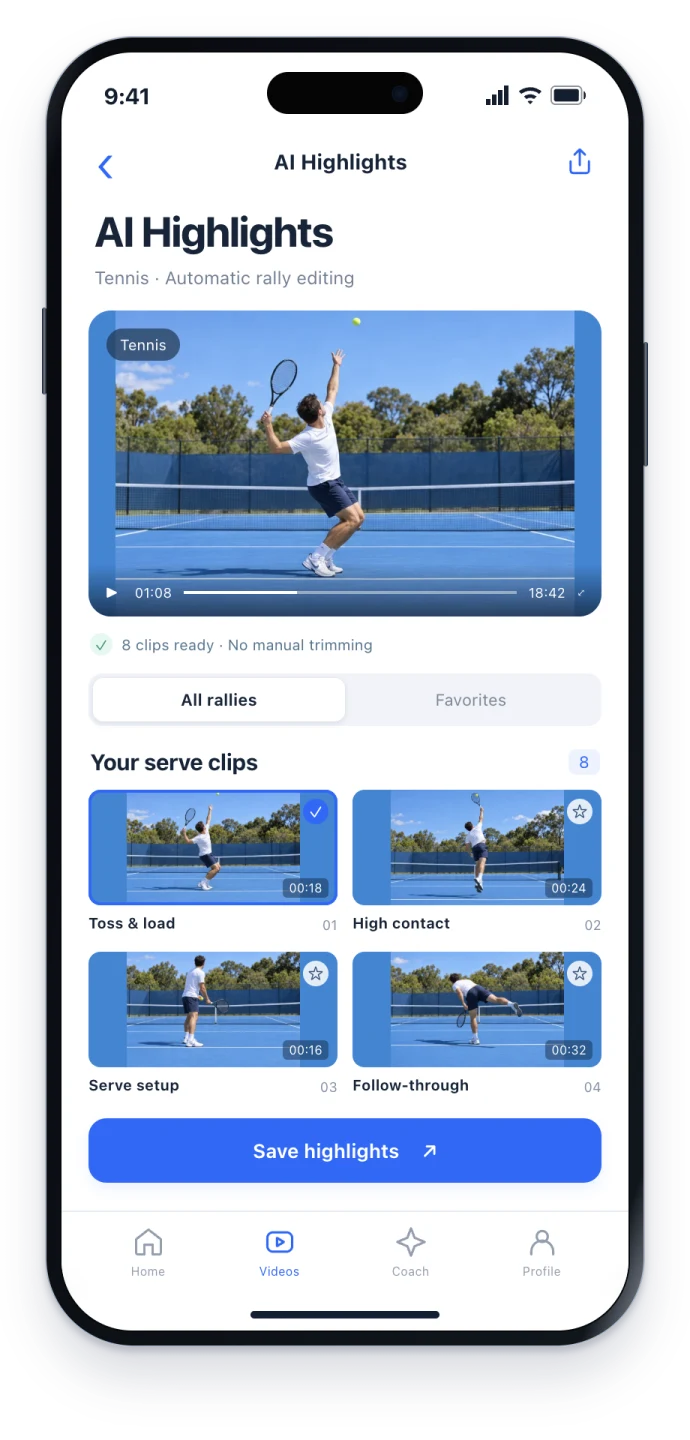
AI AUTO EDITING
Find rallies automatically. Save editing time.
Let AI find the rallies in a long recording. Choose the clips to keep, save, or share without searching through the entire timeline and cutting every point by hand.
THE APP FOR YOUR TENNIS
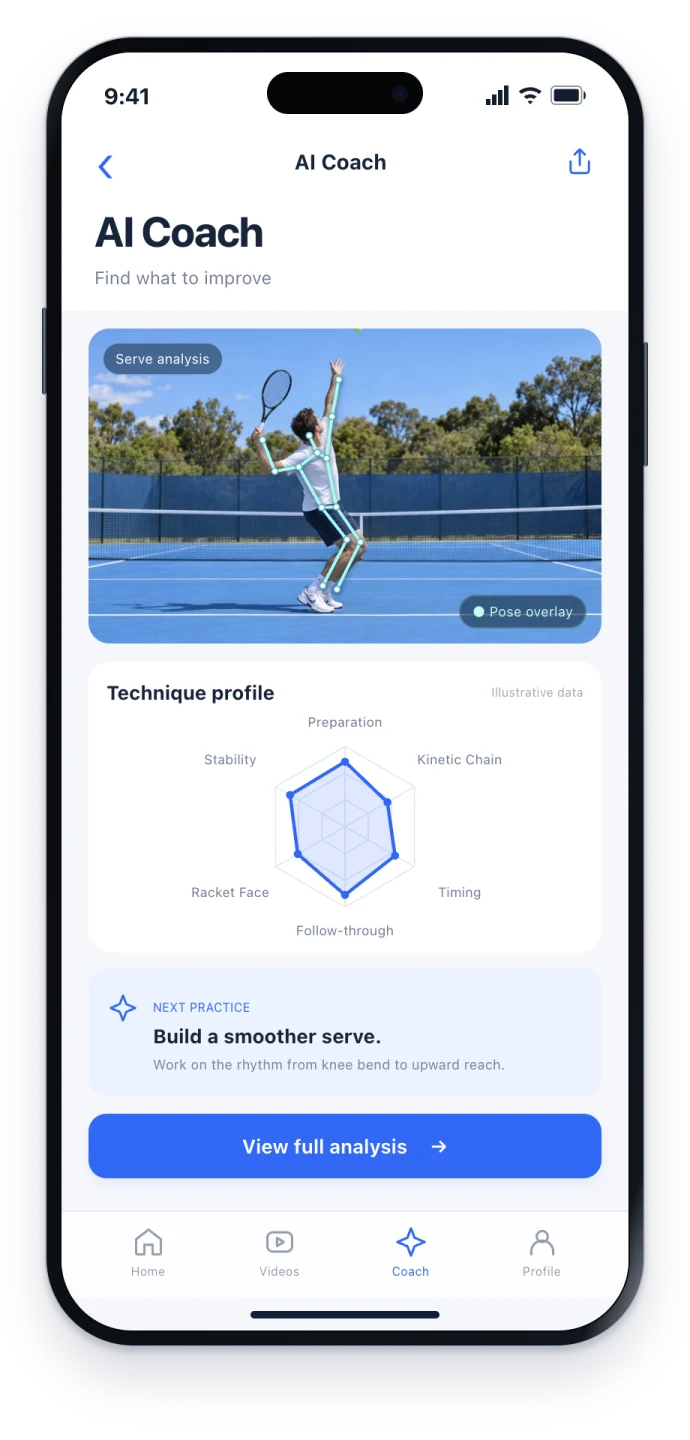
Spend less time cutting match footage. Get AI feedback on your tennis technique and practical suggestions for your next session.
Available for iPhone and Android
WHAT BROUGHT YOU HERE?
LESS MANUAL EDITING. MORE FOCUSED PRACTICE.
Automatic editing, technique feedback, and organized training records. Three useful ways to make every session count.
AI AUTO EDITING
Let AI find the rallies in a long recording. Choose the clips to keep, save, or share without searching through the entire timeline and cutting every point by hand.
AI COACH
Upload a movement video for AI analysis of your technique, areas to improve, and practice suggestions. Take a specific focus into the next session.
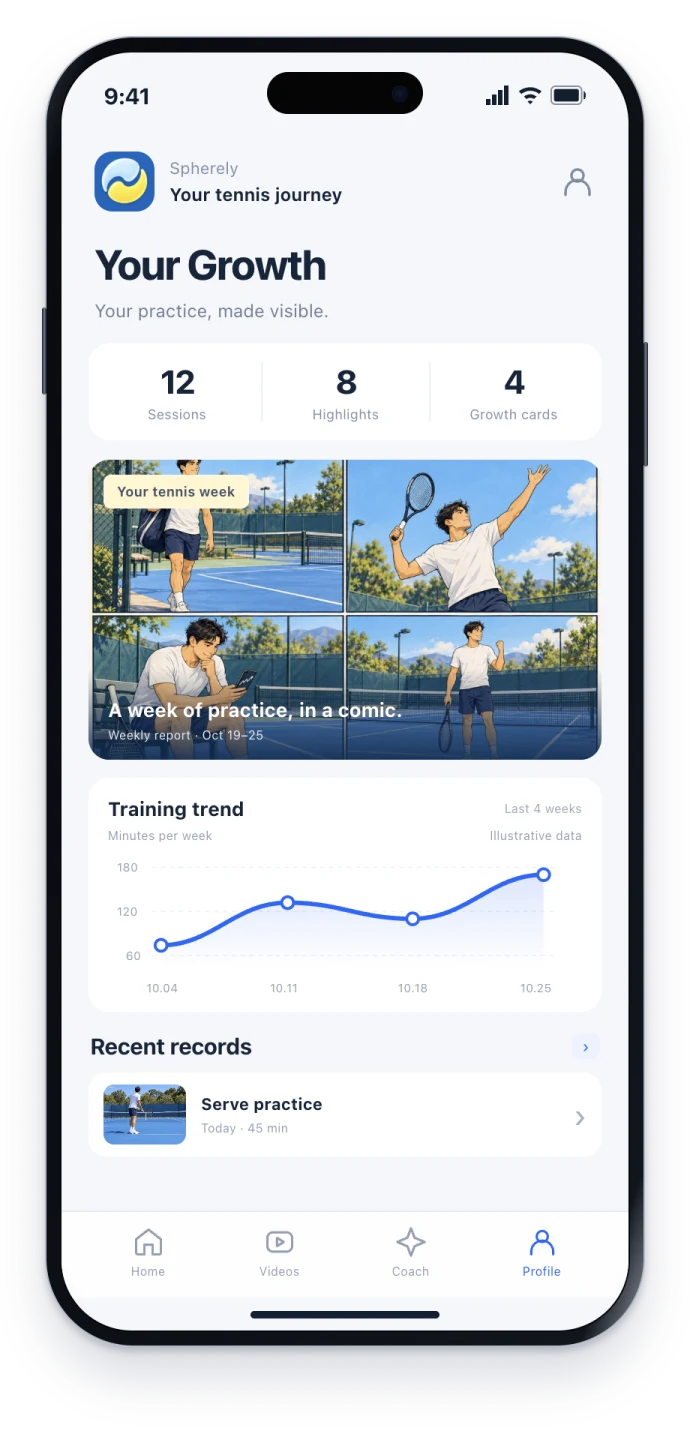
PERSONAL GROWTH PROFILE
Keep training videos, AI feedback, and session history in one place. Revisit earlier advice and follow your practice without searching across photos and messages.
FROM THIS SESSION TO THE NEXT
Bring a match recording to edit or a clear movement clip to analyze.
Automatically find rallies, or review technique feedback and suggestions.
Keep the highlights and analysis, then use the advice in your next practice.
A BETTER RECORDING STARTS HERE
The best view depends on what you want to review. Check a short test before recording a full session.

Keep the relevant court and players visible in a stable view, with clear action throughout the rally.
Keep the player and complete movement in frame. Follow the feature-specific recording guide in the app.
Built around the sports you keep coming back to.
A FEW THINGS TO KNOW
Start with a recording on your phone and check the import requirements in the app. The court action or movement needs to be clearly visible.
Editing helps you find and keep rallies from a long video. AI coaching helps you review technique with feedback. Choose the workflow for the question you want to answer.
Use the feedback as a starting point for review and practice, and as context for a conversation with your coach. Results depend on the recording and are not a certified playing-level assessment.
Import your video in the Spherely mobile app. The phone images on this website are interface concepts.
Check current plans and usage limits in the app. Availability and pricing may vary by region, platform, and app version.

Get Spherely to edit match highlights automatically, review your technique with AI, and keep your training history together.
Available for iPhone and Android