SPHERELY FOR PADEL
Edit padel faster. Improve with AI.
Import a padel match or practice video in Spherely for iPhone or Android. Use the editing and AI coaching features available in your version to find playing clips or review a shot.
Download Spherely Download for Android
Available for iPhone and Android
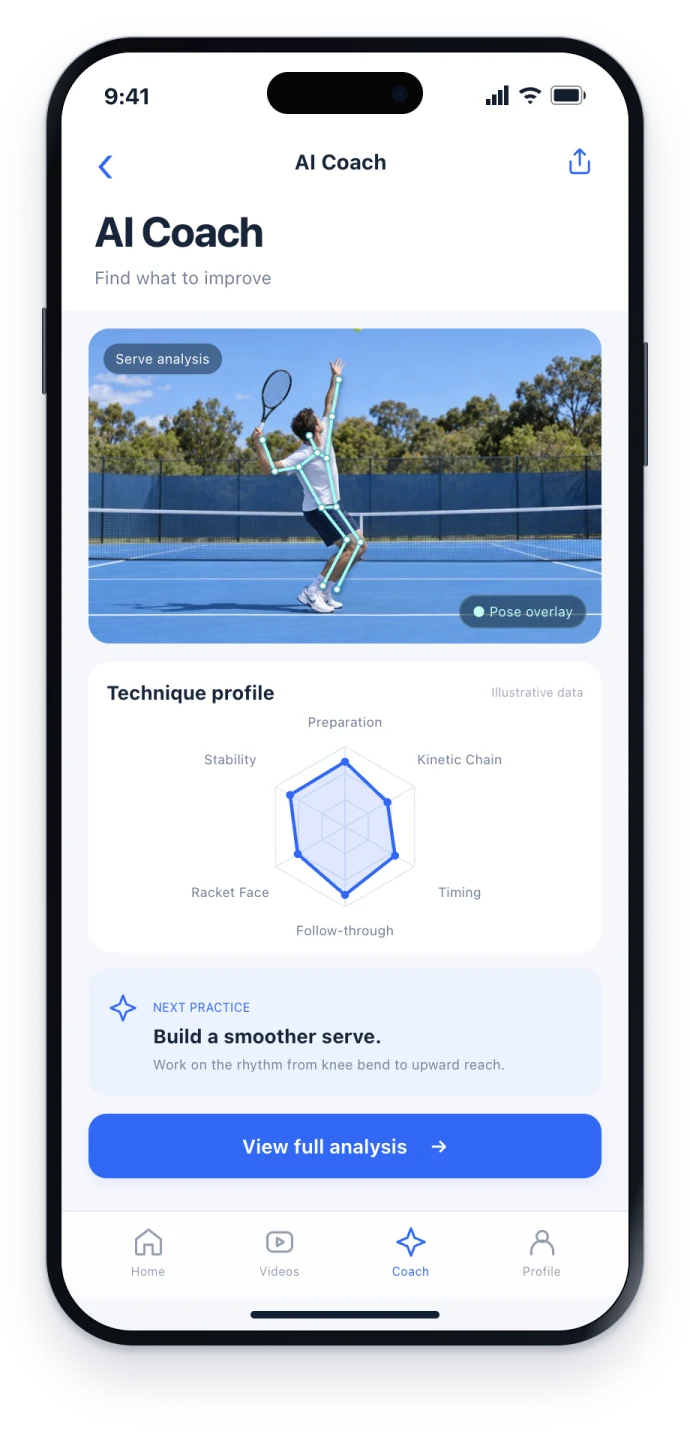
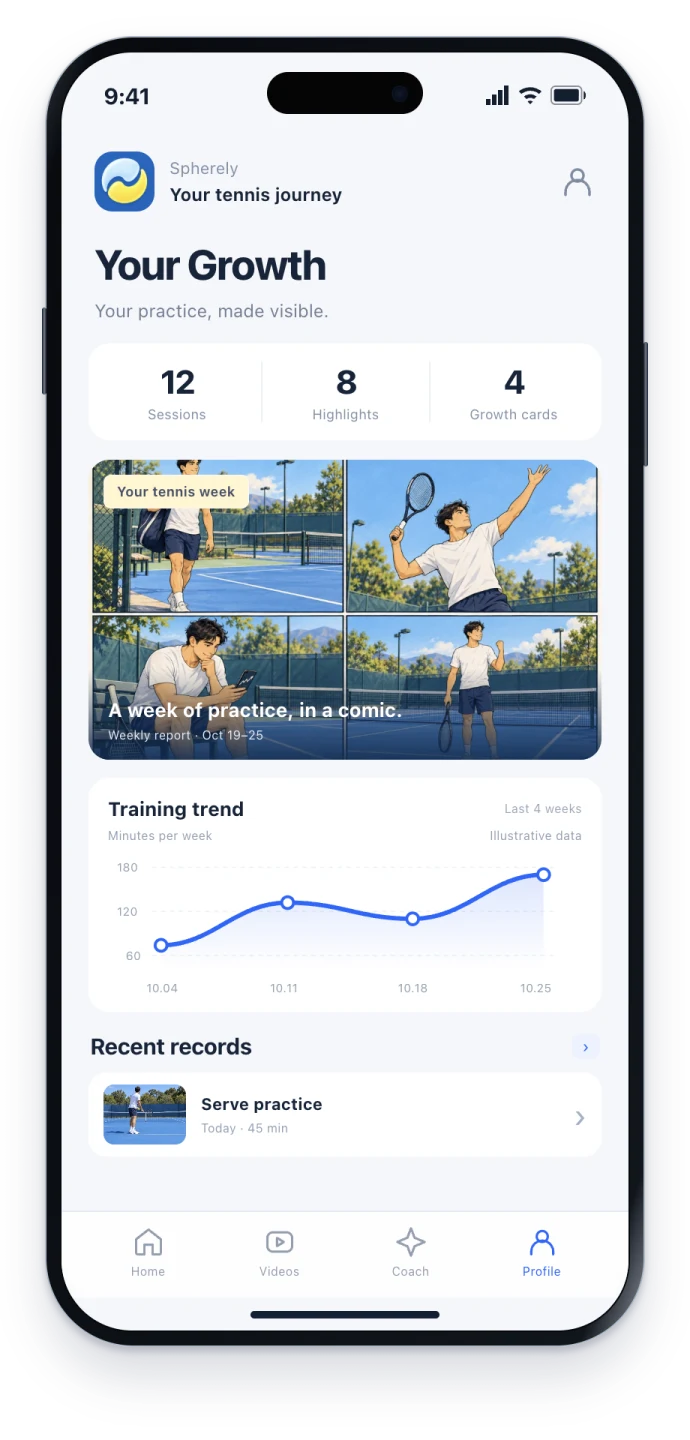
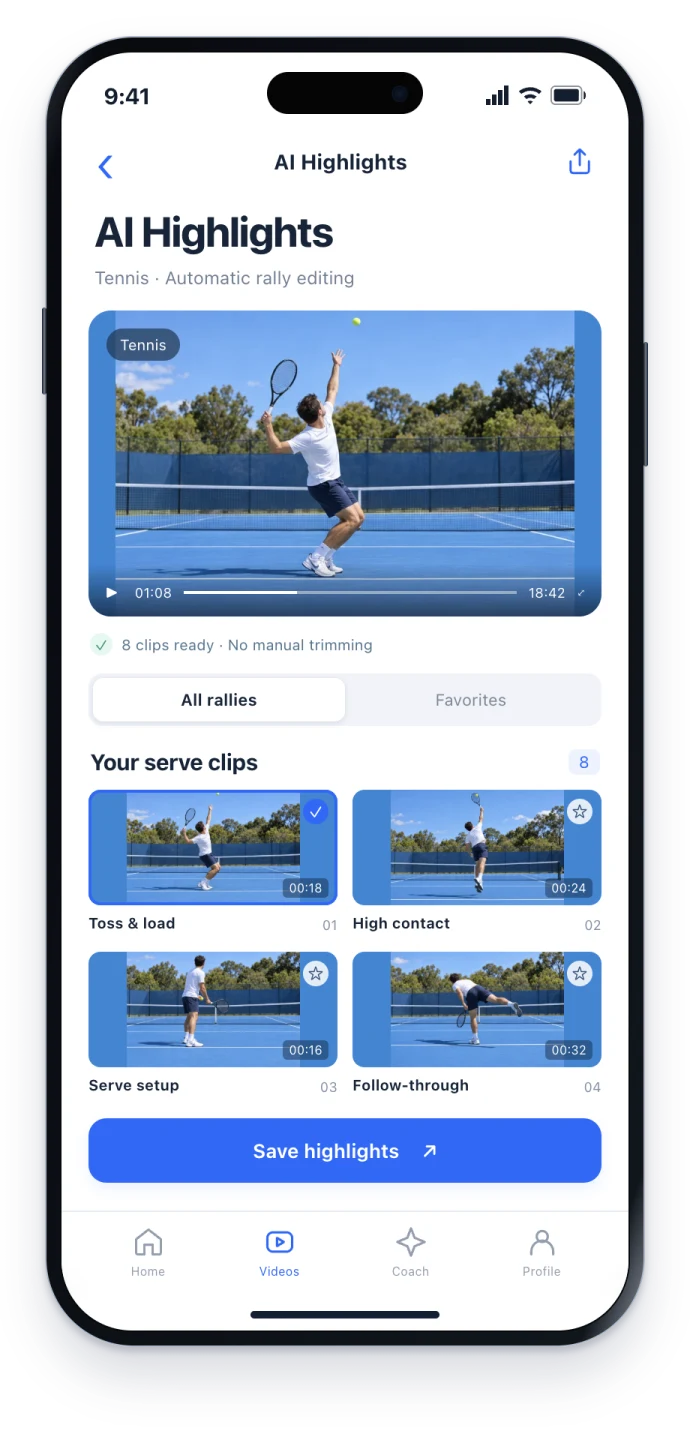
A long padel recording is slow to review
A padel match or practice can leave a long phone video. Finding a few stretches of play by hand takes time, and you still want one focus to take back on court.
Spherely lists padel with tennis, badminton, table tennis, squash, and pickleball. In the app you can import a recording, find playing clips automatically, review AI coaching-style feedback, and keep a growth profile. Capabilities vary by sport and app version. That does not mean padel already has the same analysis depth as tennis.
Find playing clips automatically
The app can find playing clips in a long recording. You choose what to save. It is for a few clips to review, not a broadcast package.
Import the video in the app. This website cannot accept uploads. You can download Spherely for iPhone or Android.
How far automatic editing goes for padel depends on the sport and the current app version.
Technique feedback, within the current version
After you import a clear movement clip, the app can show technique feedback and practice suggestions when that feature is available in the current version. Work on one or two points, then film a short clip and look again.
AI feedback is not an official rating and does not replace an on-court coach. Check the screen in the current app rather than assuming tennis-level padel analysis.
Growth profile
Training videos, AI suggestions, and history can stay together in a growth profile, as available in the current version.
Filming cues
- Keep the court and the players visible, and keep the frame steady. Record a few test seconds before the full session.
- If you want to review a movement, keep the full body in frame when you can.
- These are general principles. This page does not set a padel-specific camera standard.
General filming principles are in how to film for AI coaching. This is a general filming guide, not a padel product page.
How to choose
Ask whether you want several racket sports in one app, whether you accept features that vary by sport and app version, and whether you need sport-specific scoring or a facility setup.
Specialized padel tools also exist. Compare them yourself for what you need.
Questions to start with
- Do I want padel and other racket sports in the same app?
- Am I comfortable with editing and coaching features that vary by sport and app version, and with feedback that is not an official rating?
- Do I need sport-specific scoring or a facility-camera setup?
Cost and boundaries
- Paid features exist. Plans and prices are shown in the app.
- AI feedback is not an official rating and does not replace an on-court coach.
- Capabilities vary by sport and app version.
One app. Six sports.
Built around the sports you keep coming back to.
A FEW THINGS TO KNOW
Padel questions
Can I use Spherely for padel?
Yes. Spherely lists padel as a supported sport. Editing and coaching features follow the current app version.
Are padel features the same as tennis?
No. Capabilities vary by sport and app version. Padel is not presented here as already having the same analysis depth as tennis.
Is there an Android app?
Yes. iPhone and Android downloads are on the download pages.
Can I upload a video on this website?
No. This website cannot accept uploads. Import the video in the app.
Is AI feedback an official rating?
No. AI feedback is not an official rating and does not replace an on-court coach.

Start with a recording you already have
Download Spherely and import one padel video you already have, then see what the current version does with that clip.
Import one existing recording and check the current app.
Download Spherely Download for Android
Available for iPhone and Android