Tennis stroke analysis: see one technical point, then practise it
Film a clear tennis stroke and review technique feedback and practice cues in the Spherely app. See how this differs from automatic rally editing, plus filming notes and limits.
SPHERELY AI COACH
Film one clear tennis stroke, then bring the clip into Spherely AI Coach on iPhone or Android. Choose the stroke and follow the app’s instructions for identifying contact when prompted. Use the feedback to pick one practice cue, then film another comparable repetition.
Spherely editorial team · Reviewed
Keep the phone fixed at the side or on a clear diagonal. Include your feet, body and racket from preparation through the finish. For a serve, leave room for the toss and overhead reach.
Open AI Coach in Spherely and choose the option for a single stroke. Select or import the relevant clip and check the stroke type. Follow the app’s prompts if it asks you to mark the moment of contact.
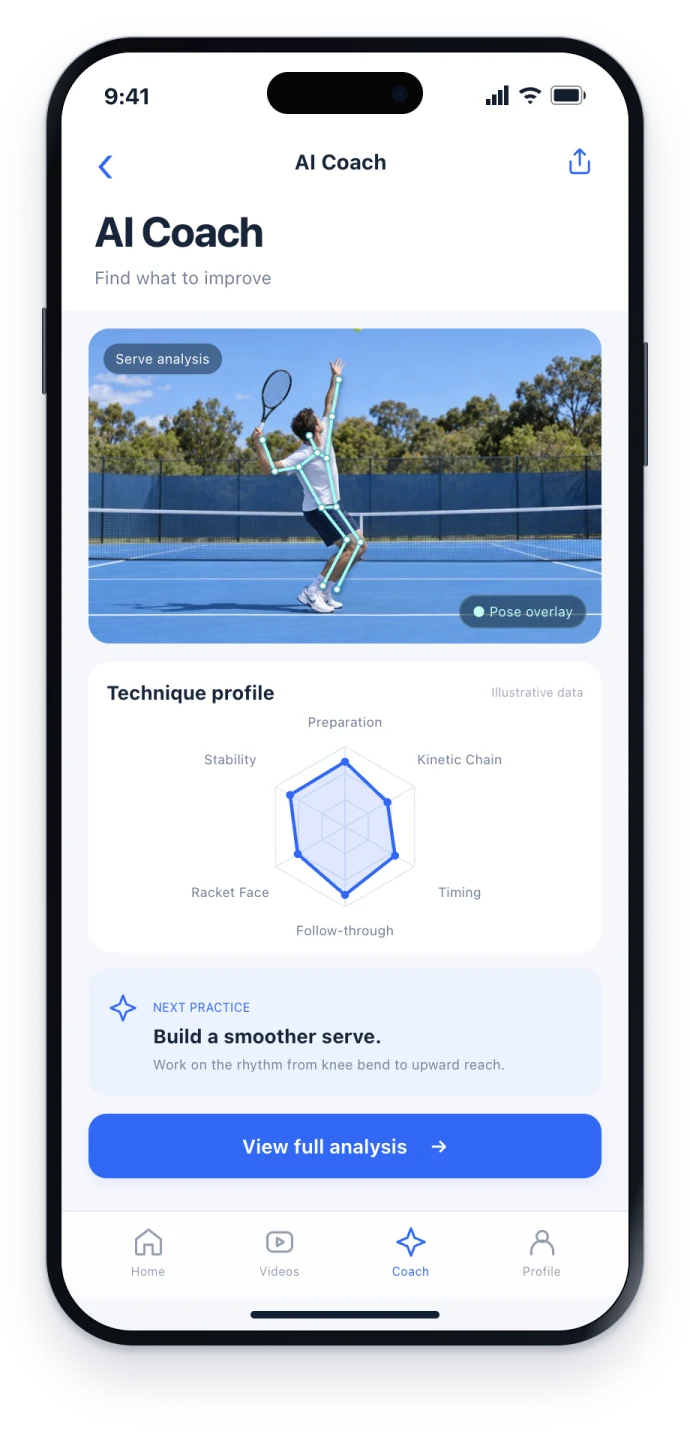
Use the same camera position, stroke and a similar feed or serve effort for the next recording. Pause both clips near the same phase and compare the cue you worked on. For a crowded forehand, look at whether you have room to swing while staying balanced.
Check that the selected clip contains the intended stroke and that its contact is clear. Pick the relevant stroke again when the app offers a choice, or record a simpler clip from a clear side view. Keep feedback you can confirm against the footage and bring unclear clips to a coach for context.
Forehand spacing and contact pointServe toss and consistency drill
Use the App Store for iPhone or the Android page to choose Google Play or an APK for your region. The download hub lists all device options. Check the current app for feature availability and usage limits.
Choose a stroke you want to improve, review one clip and write down one practice cue to check next time.
COMMON QUESTIONS
Yes, if the app can import it and you can select a clear stroke. For one technique question, use a clip with the full movement and contact in view.
A wide match view is useful for selecting rallies. For movement feedback, choose a closer clip showing one player and the complete stroke.
Check the selected segment, stroke type and contact frame. Try a clearer clip with a single stroke, then compare the feedback with what you can see.
Spherely is available on iPhone and Android. Feature availability and usage limits can vary by app version, region, and account.
The workflow follows Spherely’s published app details. The examples are practice scenarios. Platform details checked

Get Spherely, import a clear clip, and use one practice cue in your next set.
Available for iPhone and Android